
When a normal user edit Wi-Fi connection on Wi-Fi Settings, they will be asked to enter administrator user pasword.
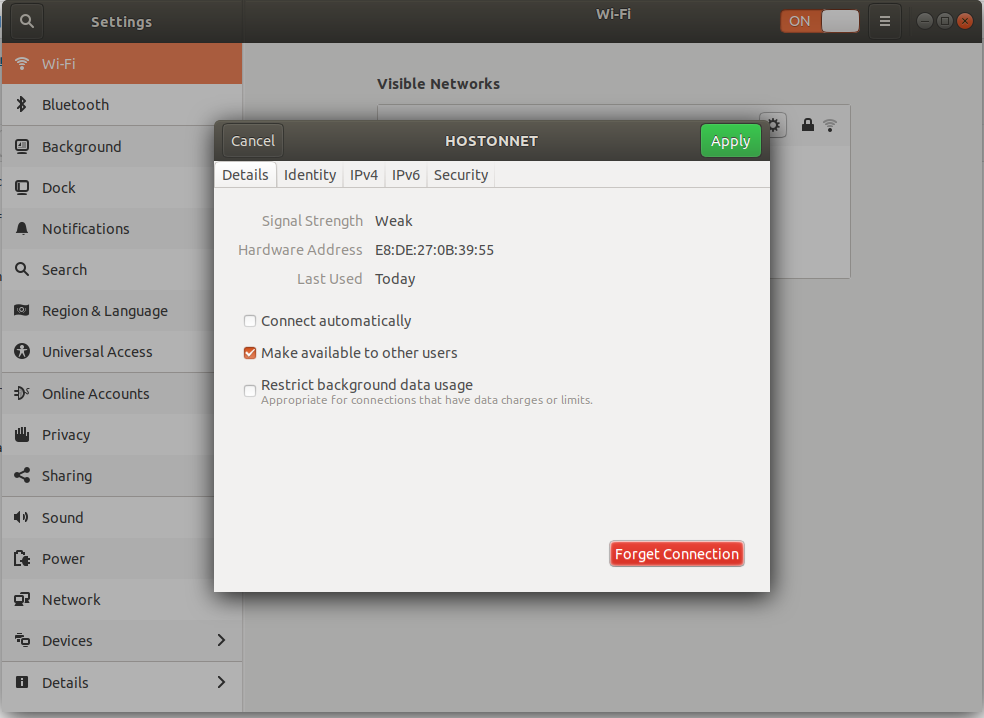
To allow a normal user to modify network connection, you can edit the connection configuration file in folder
/etc/NetworkManager/system-connections
This file look like
root@sok-01:/etc/NetworkManager/system-connections# cat SOK
[connection]
id=SOK uuid=982596a7-44c8-4e52-a696-6acf4daeec12 type=wifi permissions=
[wifi]
mac-address=E8:DE:27:0B:39:55 mac-address-blacklist= mode=infrastructure ssid=SOK
[wifi-security]
auth-alg=open key-mgmt=wpa-psk psk=Sup3rD0nkey
[ipv4]
dns-search= method=auto
[ipv6]
addr-gen-mode=stable-privacy dns-search= method=auto root@sok-01:/etc/NetworkManager/system-connections#
Find
permissions=
Replace with
permissions=user:USER_NAME_HEARE:;
USER_NAME_HEARE = replace this with actual username, that need to edit the network configuration.
Visited 1 times, 1 visit(s) today
