
When you login to an Ubuntu server using SSH, you get welcome message like
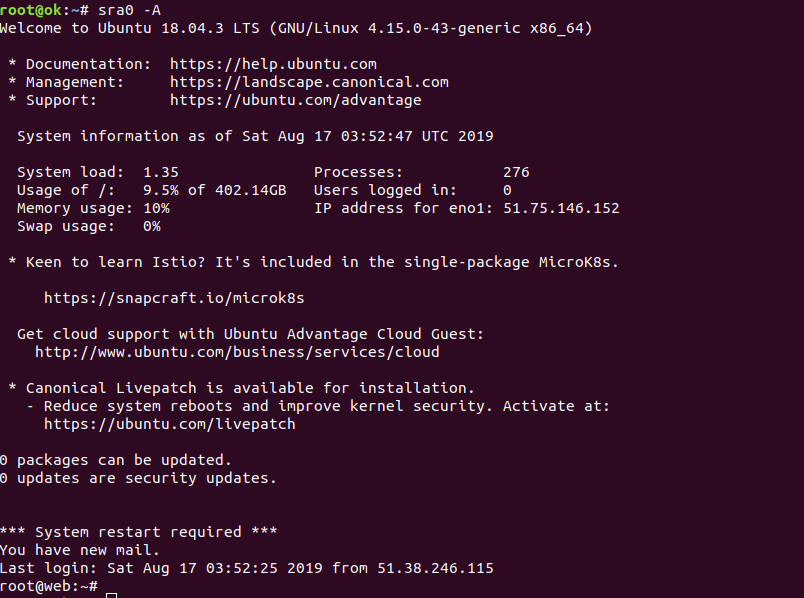
On most Linux systems, this is generated by /etc/motd. On Ubuntu, MOTD (message of the day) generated dynamically with some scripts. I don’t want to see all the marketing message from Ubuntu everyday.
To disable MOTD on Ubuntu, just delete the scripts from /etc/update-motd.d/
rm -f /etc/update-motd.d/*
If you want a differnt motd, you can put a shell script in this folder.
Method 2
Another way to disable motd is by disabling pam_motd.so module.
Edit files
/etc/pam.d/login
/etc/pam.d/sshd
Comment out the lines related to pam_motd.so
session    optional     pam_motd.so  motd=/run/motd.dynamic
session    optional     pam_motd.so noupdate
Visited 1 times, 1 visit(s) today
